
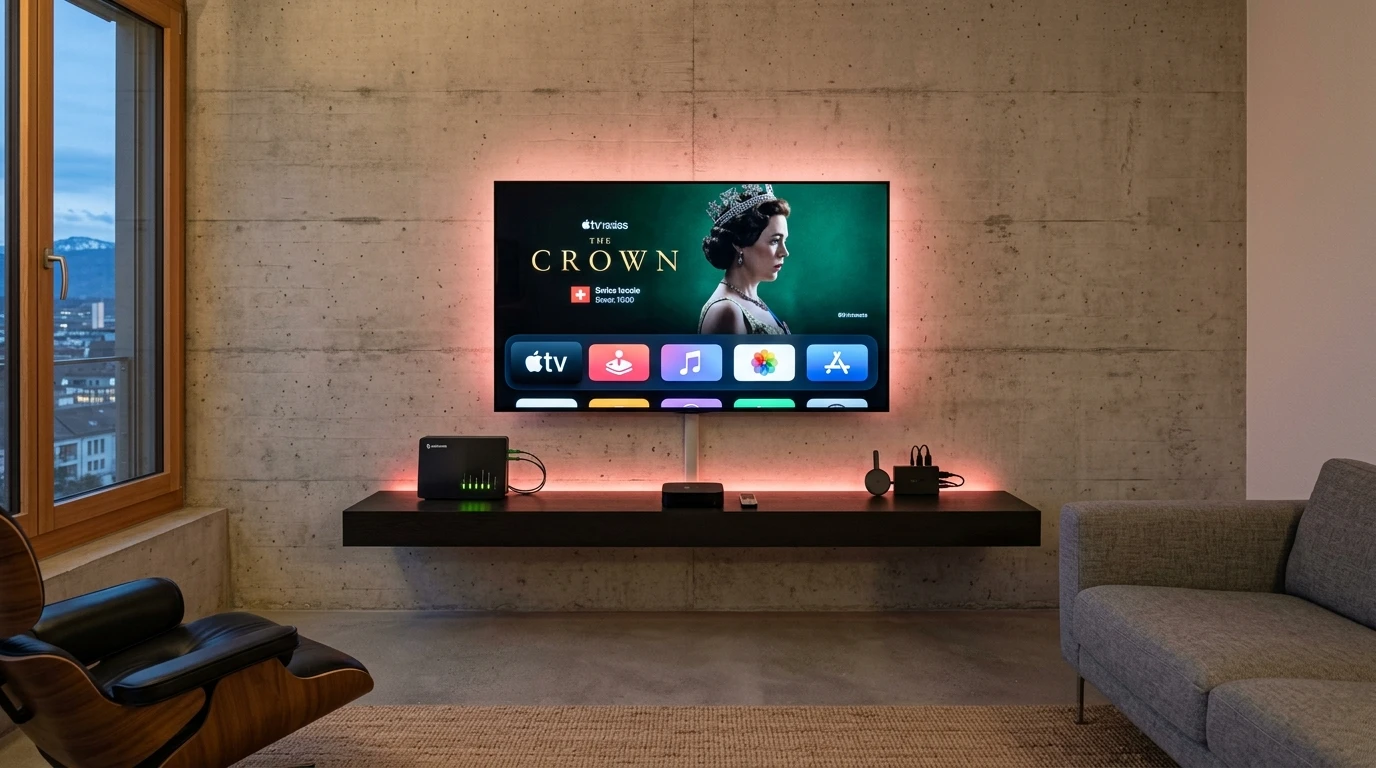

"IPTV box" covers very different devices in practice: operator boxes, Android sticks and portal receivers. This page sorts them by what they do, says when an extra device is really necessary, explains the requirements of 4K with sources and names the points that count when buying in Switzerland.
01
IPTV box: the five types of device at a glance
An IPTV box is a small device plugged into the TV's HDMI socket. It loads the channel list over the network, builds the interface and sends the picture; the TV is only the screen. The term nevertheless covers five technically different kinds of device:
| Type | Examples | Strength | Limit |
|---|---|---|---|
| Smart TV without extra device | Samsung (Tizen), LG (webOS), TVs with Google TV | No other device, one remote | Smaller app store, software lifespan |
| Streaming stick or box | Fire TV, Google TV Streamer, Apple TV | Big app store, quick setup | Check 4K support by model |
| Operator box | Swisscom TV-Box, Sunrise TV Box, Salt TV Box | Hardware and subscription from one contact | Built for the operator's own service |
| Portal receiver | Infomir MAG boxes and similar set-top boxes | Proven for portal-based services | Dated interface, needs configuration |
| Android TV box | Generic Android TV boxes | Flexible and often cheap | Quality and updates vary widely |
02
Do you really need an IPTV box?
Mostly not. Recent TVs have an app store in which players and the apps of TV services install directly. As long as that works and use stays smooth, an extra device is superfluous.
It becomes useful in three cases: the TV is too old for the store you want, the interface has become slow, or a specific app does not run on the TV. TiviMate, for instance, exists only for Android TV and Fire TV. Which app works where is shown in IPTV apps and players.
03
IPTV smart TV: Samsung, LG and Google TV
Samsung uses Tizen, LG uses webOS. Both have smaller stores than Android, and the choice of IPTV players there is limited. Smart IPTV supports, per the developer, Samsung from Tizen 6.5 (models from 2022) and LG webOS from version 3.0; the details are on the Smart IPTV page.
TVs with Google TV come close to the Android ecosystem and accept the same players as an Android stick. A second limit is lifespan. A TV is used for longer than its software gets updates, and a cheap stick can be replaced, a TV cannot.
04
IPTV Firestick, Apple TV and Android TV: sticks and small boxes
Sticks and small boxes are the most common upgrade. Anyone searching for an IPTV Firestick or IPTV Apple TV means the same principle: a device on the HDMI socket that provides the playback app.
- Amazon Fire TV: cheap, wide choice of apps, common for TiviMate. On devices without Google Play, TiviMate Premium is unlocked through the Companion app
- Google TV Streamer: Google's successor to the Chromecast line. According to Google it handles 4K at 60 frames per second with HDR10, HDR10+, HLG and Dolby Vision, has an Ethernet port, 4 GB of RAM and 32 GB of storage
- Apple TV: the fastest and most stable option in the Apple world, and noticeably more expensive. Swisscom also names the Apple TV 4K as a device for blue TV in UHD
- For all of them: choose a 4K-capable model if the TV is 4K
05
Operator boxes: Swisscom, the Sunrise IPTV box and Salt
Swisscom, Sunrise and Salt supply their own boxes with TV subscriptions. It is the simplest variant: plug in, log in, watch. Hardware and licences come from one contact.
The details differ. The Sunrise TV Box is part of Up TV L, and Sunrise offers an additional box for each extra TV. The Salt TV Box is built on Android TV, includes Google Assistant and Chromecast according to Salt and gives access to the Google Play Store; new Salt Home customers receive it with the bundle. At Swisscom, UHD is tied, according to its help page, to the TV-Box 5 or the Apple TV 4K and requires an internet connection of at least 40 Mbit/s.
06
IPTV receiver and set-top box: MAG and portal systems
"IPTV receiver" and "IPTV for receiver" are frequent searches and mean different things: an operator's set-top box, a portal box such as the MAG boxes from Infomir, or a satellite receiver that is said to load IPTV lists. What a specific satellite receiver can do depends on its model and software; the manufacturer's documentation is the only reliable source.
For portal boxes, the access belongs to the device rather than the account: an IPTV set-top box of this type is identified by its registered MAC address, as the IPTV subscription guide explains for STB codes. The drawback is that these receivers are less flexible, their interfaces often look dated and setup needs configuration. For most households a streaming stick is simpler. Anyone who already owns such a receiver can keep using it, if the service supports that method.
07
IPTV 4K: what the whole chain must be able to do
4K needs several links at once. A single weak link is enough for the picture to fall back to HD or stutter:
| Link | Requirement | Note |
|---|---|---|
| Playback device | Hardware HEVC (H.265) decoder | Older sticks fail here |
| Cable and socket | HDMI 2.0 for 4K at 60 frames per second | Use a certified cable |
| TV | A real 4K panel, ideally with HDR | Check that HDR is supported |
| Internet connection | Netflix recommends 15 Mbit/s for Ultra HD; Swisscom asks for at least 40 Mbit/s of connection for UHD | This is a stable value, not just a peak |
| Service | It must offer the channels you want in 4K | Swisscom lists 11 to 12 premium UHD channels depending on the plan; most of the programme stays in HD |
08
Buying an IPTV box in Switzerland: what to check
When buying, a few points count:
- HEVC support if you want 4K
- Enough RAM for a smooth interface and a LAN port rather than Wi-Fi alone
- Regular system updates from the manufacturer
- A seller with a Swiss address and clear return and warranty terms
- No box with preinstalled access and no "one year included" deal
09
Boxes with a year included: why to keep away
Devices sold with ready-made access bundle hardware with a subscription, and the lawfulness of that subscription decides the whole package. The striking price advantage of these bundles regularly comes from the part that is not licensed. When it is cut off, the box is an empty device.
Buy hardware and service separately: then you can check and replace them independently. The legal position is explained in IPTV illegal or legal in Switzerland.

10
Best IPTV box: a decision aid
There is no best IPTV box in general, but there is one for your situation:
| Your situation | Sensible choice |
|---|---|
| Recent smart TV and the app is in the TV's store | No extra device |
| Older TV, you want Android apps | An Android TV, Google TV or Fire TV stick |
| You use Apple devices and want stability | Apple TV |
| You have a TV subscription with your operator | Its box, if it is included in the subscription |
| You already own a MAG receiver | Keep using it as long as the service allows |
11
Picture stutters? The fault is rarely the box
The most frequent cause of a stuttering picture is the link to the device, not the device itself. If a stream runs perfectly on a laptop but not on the TV, the problem is in the device or the network, not at the provider. The useful network measures and the speeds services ask for are in the IPTV Switzerland overview.
FAQ
Frequently asked questions
What is an IPTV box?
An extra device on the HDMI socket that loads the channel list over the network and sends the picture to the TV. The term covers operator boxes, Android sticks and portal receivers.
Do I need a box for IPTV?
Not necessarily. A recent smart TV with the right app is often enough. A box or stick is worth it with an old TV, a slow interface or missing apps.
What is the best IPTV box?
There is no best box for everybody. For Android apps an Android TV, Google TV or Fire TV stick fits; for Apple users the Apple TV; with an operator subscription its own box.
What device do I need for 4K IPTV?
A device with an HEVC decoder and HDMI 2.0, a 4K TV and a stable connection; Netflix recommends 15 Mbit/s for Ultra HD. The service must also deliver the channels in 4K.
Does IPTV work on a smart TV without a box?
Yes, if the app is in the TV's store. Smart IPTV runs, per the developer, on Samsung from model year 2022 and on LG webOS from version 3.0.
What is an IPTV receiver or set-top box?
A receiver that loads IPTV services through a portal. With MAG boxes the registered MAC address identifies the device, so the access belongs to the device, not the account.
Does IPTV work on Fire TV and Apple TV?
Yes. TiviMate, for example, runs on Fire TV, and several players are in the Apple TV App Store. Always check the app's developer.
Can I use the Swisscom, Sunrise or Salt box with other services?
The Swisscom and Sunrise boxes are built for the operator's own service. The Salt TV Box is built on Android TV and gives access to the Google Play Store, according to Salt.
Where do I buy an IPTV box in Switzerland?
From operators with the subscription and from electronics retailers with a Swiss address. Check clear return terms and avoid devices with preinstalled access.
Why does my IPTV stutter despite a new box?
Usually the connection is the cause, not the box. A LAN cable instead of Wi-Fi and a stable line solve most picture problems.
Sources
Read next
- IPTV apps and players comparedWhich app runs on which device
- IPTV Switzerland: licensed providers comparedProviders, speeds and prices with sources
- IPTV illegal or legal in SwitzerlandWhy hardware is never the legal problem
- IPTV subscription: contract, cancelling and codesWhat the contract must say
- Best IPTV provider: how to chooseCriteria, warning signs and what to do about fraud
- IPTV pricing in SwitzerlandPlans, terms and prices in CHF
More from the blog
- Technology3 min readDo you need a TV box?Do you need a TV box in Switzerland? What Swisscom, Sunrise, Salt and Zattoo say about TV with a box, an app or a smart TV, and what an app lacks.
- TV market4 min readHow the Swiss watch TVHow the Swiss watch TV in 2026: Zattoo's survey on internet TV, IPTV, streaming, cable, satellite, devices and cancellations, read and put in context.
- Technology2 min readZattoo devicesZattoo devices in Switzerland: which smart TV models, streaming devices, phones and browsers Zattoo supports, the model years and the free tier's TV limit.