
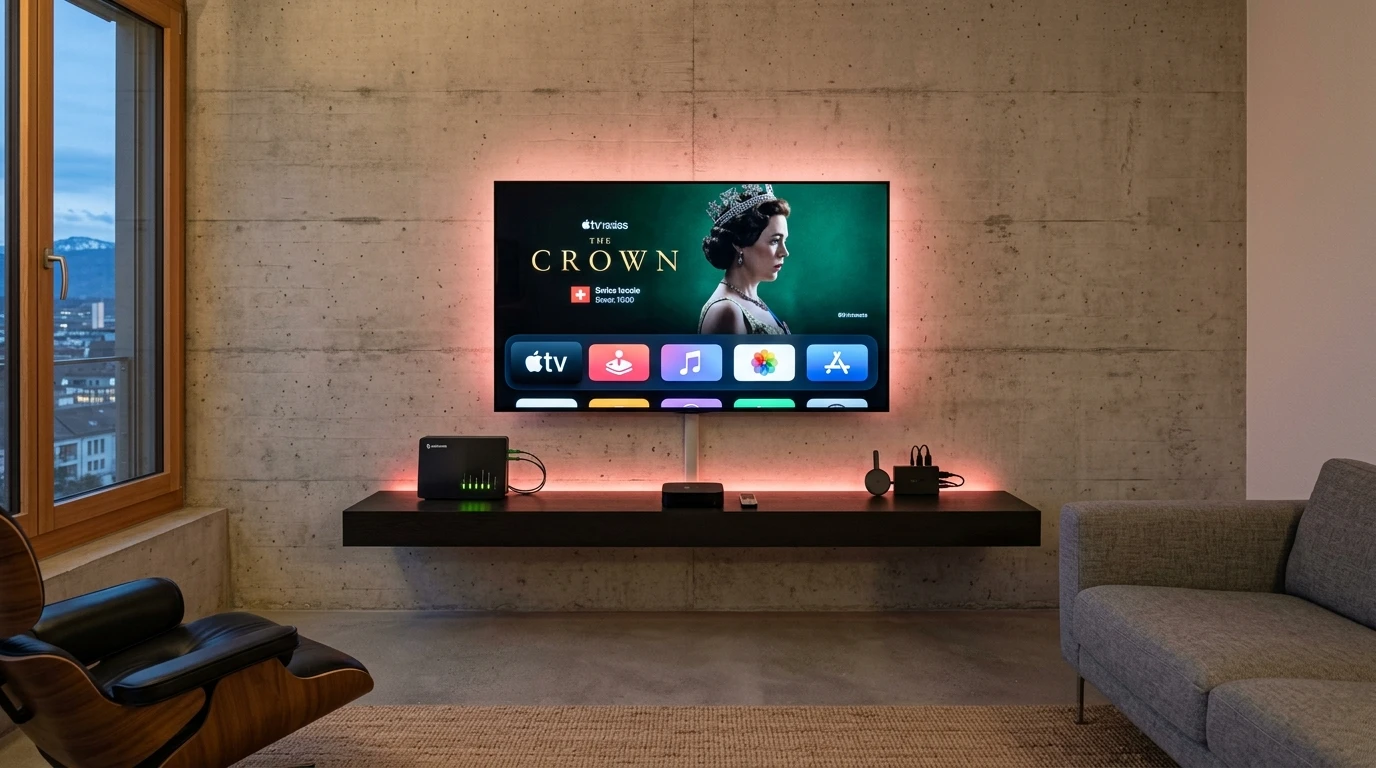

"Smart IPTV" is the name of one particular app and at the same time a search term under which many other offers appear. This page sticks to the developer's own statements: it explains what the app is and is not, how activation and playlist management work, which TVs it runs on and how to tell it from apps with similar names.
01
Smart IPTV in brief: an app without channels
Smart IPTV, often called SIPTV, describes itself on the developer's website as a pure media player. It states expressly that no channels are included: none are supplied, and even with the paid activation you do not get any. The playlist comes from the service where you obtain your login.
The developer's FAQ also states that the app contains no channels and that the developers are not responsible for the content that is uploaded. What that means for the legal position is covered further down.
02
Smart IPTV activation: cost and process
According to the developer, a one-off fee is due for each TV or device; its website shows the current amount. The payment covers only the app, not content. Activation takes place on the developer's website: you enter the MAC address or device ID there and pay by card, PayPal or cryptocurrency.
Activation is tied to the device. Every TV has two MAC addresses, one for Wi-Fi and one for Ethernet, and the MAC address cannot be changed by hand. On Android devices a temporary device ID is used; the developer therefore advises against resetting the device to factory settings, so that the ID is kept. On LG webOS the activation is carried over automatically after the app starts if the TV has been activated before.
03
Smart IPTV playlist: how to add a link or a file
The playlist is not typed in on the TV but linked to the device through the developer's website. For that you need a second device, such as a phone or a computer, to upload the address or file. According to the FAQ, an internet address or a file is allowed; a static playlist is placed on the page "My list".
The developer names one limitation itself: if the playlist is too large, it cannot be stored in the TV's memory. If that does not help, the "Save online" option can prevent a playlist from disappearing after a restart.
04
How to set up Smart IPTV, step by step
This is how setup works in practice, based on the developer's statements:
- Install the app from the TV's store; on Samsung from model year 2022 a fresh installation is needed
- Open the app and note the MAC address or device ID that it shows
- On siptv.app complete the activation for exactly that address
- Upload your service's playlist as an internet address or a file through the website
- Restart the app and check that the channel list appears
05
What Smart IPTV costs in total
The app is only one part of the bill: on top of the one-off activation fee per device comes the subscription of a service whose playlist you load. For one TV, the combination therefore costs the activation once plus the running costs of the service. Which items arise with licensed subscriptions is explained in the IPTV subscription guide; the plans of this site's operator are under IPTV pricing in Switzerland.
06
Smart IPTV on Samsung, LG and Android: which models run it
The developer's page names these platforms and app versions:
| Platform | Requirement | Note |
|---|---|---|
| Samsung Tizen | Tizen 6.5 or newer, models from 2022 | Needs a fresh installation from the Apps Store rather than an update |
| LG webOS | webOS 3.0 or newer | Activation is carried over automatically on a TV that is already activated |
| Older LG models | Netcast and webOS 1.0 to 2.0 | A separate app version |
| Android, Google TV and Fire TV | Depends on the device | The device ID replaces the MAC address |
07
Smart IPTV, SmartOne IPTV and IPTV Smart Player: not the same thing
Around the name circulate similar-sounding apps such as SmartOne IPTV, Smart One IPTV, IPTV Smart Player or IPTV Smart Player Pro. They are other offers, and mixing them up costs money: someone who pays on the wrong activation page does not activate the app that is on their TV.
A simple check: according to the developer, Smart IPTV is activated through the website siptv.app. If the app or a provider points to a different address, you are dealing with another product. Then check the developer in the TV store.
08
Smart IPTV download: check the source
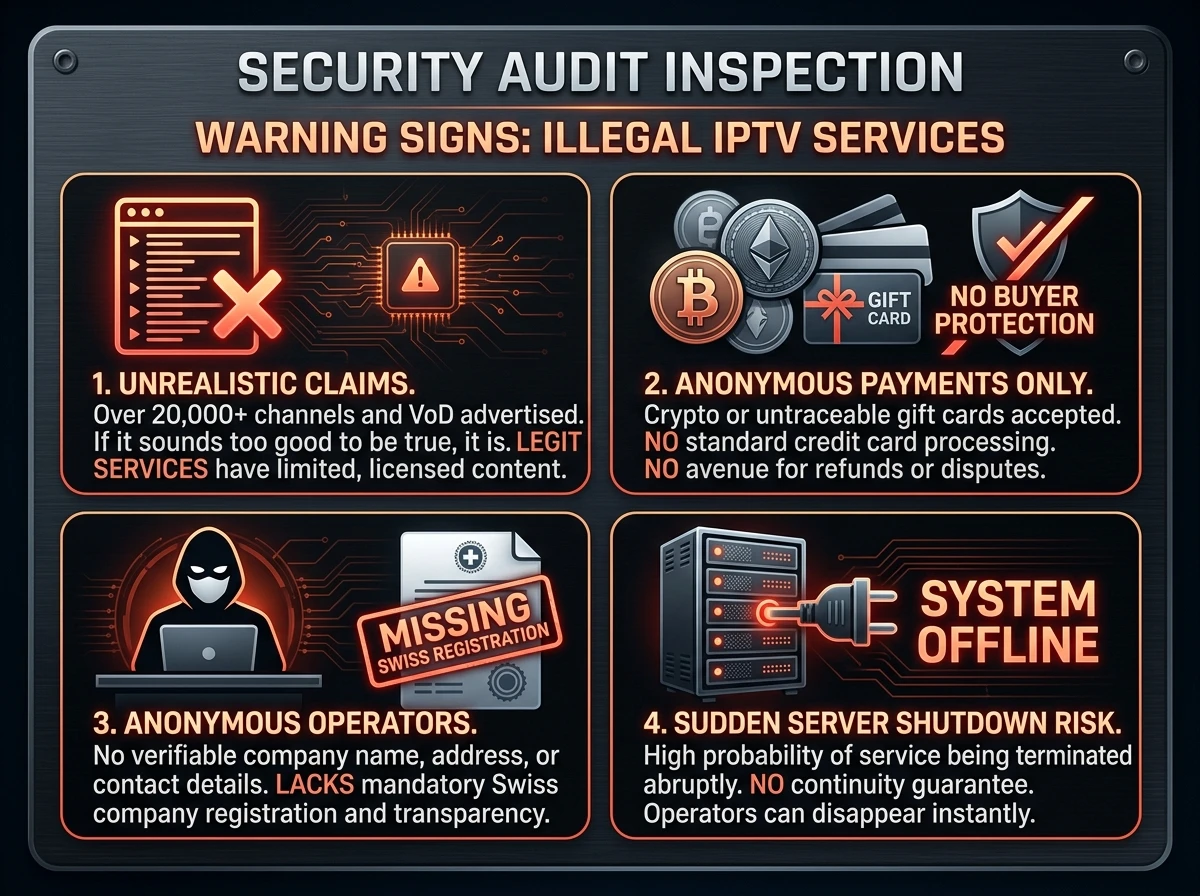
Install the app through the store of your TV or device. On Samsung and LG you find it there under the app's name; on Android devices it is worth looking at the developer's name, because imitators exist. If someone asks you to make the payment anywhere other than the developer's activation page, caution is called for.
09
Is Smart IPTV legal?
The app is neutral software, and the developer points out that it contains no channels. Using it is lawful if the service whose playlist you load holds the broadcasting rights. Someone who loads a playlist from a doubtful source uses the app lawfully, but the service behind it possibly not. Swiss law is explained in IPTV illegal or legal in Switzerland.
10
Typical problems with Smart IPTV and how to fix them
The developer's FAQ and the way the app works explain the most common faults:
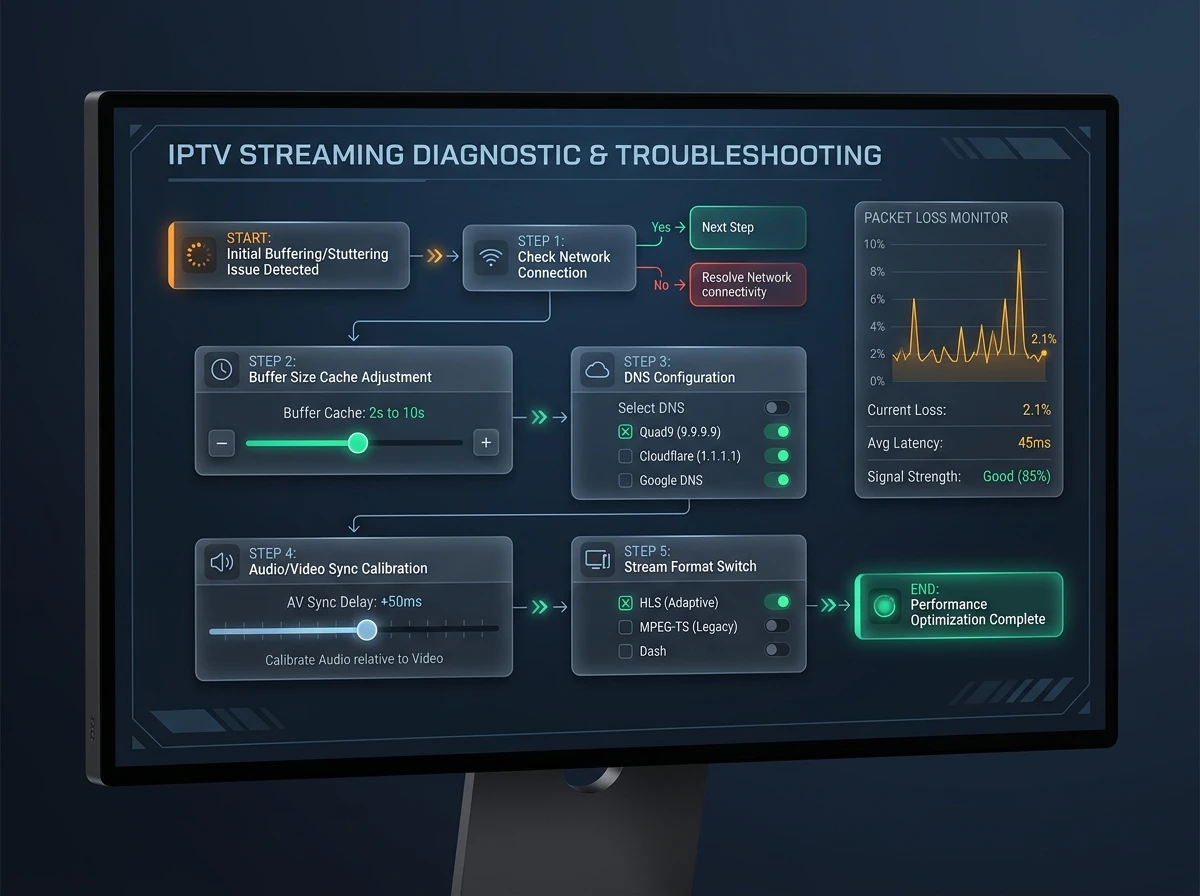
| Problem | Cause | Fix |
|---|---|---|
| The playlist cannot be saved | The playlist is too large for the TV's memory | Use a smaller playlist |
| The playlist is gone after a restart | It was stored only locally | Switch on the "Save online" option on the website |
| The activation is not recognised | A different MAC address was activated, such as Wi-Fi instead of Ethernet | Check the address shown in the app and activate for that address |
| Nothing works on Android after a reset | The temporary device ID has changed | Do not reset to factory settings, or activate again |
| The app does not appear on the Samsung TV | The model has a Tizen older than 6.5 | Check the model year; from 2022 the app runs, for older devices there are alternatives |
11
Smart IPTV compared with other players
Smart IPTV is mainly common where other apps are missing, namely on Samsung and LG TVs. On Android TV and Fire TV, TiviMate and other apps offer more convenience features. An overview with costs and platforms is in IPTV apps and players; the best-known alternative is explained in IPTV Smarters Pro explained.
FAQ
Frequently asked questions
What is Smart IPTV?
Smart IPTV, often called SIPTV, is a player app for smart TVs and Android devices. It contains no channels but plays a playlist that you link to your device through the developer's website.
How much does Smart IPTV cost?
According to the developer, a one-off fee per TV or device; its website shows the amount. Only the app is paid for; no channels are supplied with the activation.
How do I add a playlist to Smart IPTV?
Through the developer's website: you enter the MAC address or device ID and upload an internet address or a file. For that you need a second device. If the playlist is too large, it cannot be stored in the TV's memory.
Does Smart IPTV run on my Samsung TV?
According to the developer, on Samsung with Tizen 6.5 or newer, so models from 2022. The app has to be installed afresh from the Apps Store.
Does Smart IPTV run on LG?
Yes, on LG webOS from version 3.0; older Netcast and webOS 1 and 2 models have their own app version. A TV that is already activated is recognised automatically after the app starts.
Does the activation cover several devices?
No. It applies per device and is tied to the MAC address or device ID. Every TV needs its own activation.
What is the difference from SmartOne IPTV?
They are different offers. According to the developer, Smart IPTV is activated through siptv.app; if an app points to another address, it is a different product. Check the developer in the TV store.
Is Smart IPTV legal?
The app is neutral and contains no channels. Using it is lawful if the service whose playlist you load holds the broadcasting rights.
Where do I download Smart IPTV?
In the store of your TV or device. Payment is made only on the developer's activation page; if asked to pay anywhere else, be cautious.
Sources
Read next
- IPTV apps and players comparedPlatforms, costs and the main alternatives
- IPTV Smarters Pro explainedLogin, download sources and look-alike apps
- IPTV devices: box, stick or Smart TVWhich hardware suits which setup
- IPTV illegal or legal in SwitzerlandNeutral tools: the source decides
- IPTV subscription: contract, cancelling and codesWhat the contract must say
- IPTV pricing in SwitzerlandPlans, terms and prices in CHF
More from the blog
- Technology4 min readIPTV glossaryIPTV glossary with 50 terms explained in one line each: EPG, M3U, Xtream Codes, HLS, RTP, codecs, DRM, STB, replay, OTT and more, with sources.
- Safety3 min readIPTV scams and red flagsIPTV scams in Switzerland: how fake sellers, reseller panels and "lifetime" deals work, the red flags to check before paying and what to do if you paid.
- Technology3 min readFix TV bufferingFix TV buffering and stutter step by step: cables, restarts, Wi-Fi, updates, quality settings and when to blame the line, with Swisscom and Sunrise tips.